
Top Operational Risk Management Tools to Enhance Your Processes
Listen to this article

Ryan Pease
FOLLOW

Operational failures — from missed client deadlines to billing errors and inconsistent service delivery — quietly erode margins and customer trust. For small and medium-sized businesses, choosing the right operational risk management tools can turn hidden losses into measurable improvements in reliability, profitability, and the ability to scale.
What Is Operational Risk and Why It Matters
Operational risk covers the chance of loss resulting from inadequate or failed internal processes, people, systems, or external events. Unlike credit or market risk, operational risk is embedded in day-to-day operations: human errors, process gaps, poor communication, outdated technology, vendor failures, and even culture.
For the target audience — founder-led services and growing operational businesses — operational risk often shows up as founder dependency, inconsistent delivery, training gaps, and costly rework. Tackling these risks with the right tools and playbook doesn't just prevent disasters; it frees leadership to focus on growth.
How Operational Risk Management Tools Help
Operational risk management tools enable teams to:
Identify and catalog risks (so nothing hides in people's heads)
Assign ownership and controls (so someone is accountable)
Detect incidents early (so small issues don't become crises)
Automate repeatable tasks (so human error drops)
Measure leading indicators and outcomes (so improvements are obvious)
Standardize knowledge (so the business can scale beyond founders)
These capabilities are delivered via a mix of process documentation platforms, risk management software, workflow tools, monitoring dashboards, and training systems — all powered by modern technology in risk management.
Core Categories of Operational Risk Management Tools
No single tool fixes every problem. Usually, a practical stack combines a few complementary technologies and a robust set of Standard Operating Procedures (SOPs). Below are the major categories small and medium businesses should consider.
1. Documentation and SOP Platforms
SOPs are the backbone of operational risk control. A dedicated documentation platform makes procedures searchable, version-controlled, and easy to follow.
What they do: Store SOPs, run checklists, attach media (screenshots, videos), and assign owners.
Why they matter: They reduce founder- and key-person dependency and make onboarding consistent.
Practical example: A creative agency documents its client onboarding checklist so account managers can complete handoffs without asking the founder. This cuts mistakes by 40% in three months.
SOP Mojo specializes in extracting how a business actually operates and turning that tacit knowledge into usable SOPs, reducing single-person dependencies and installing an operating system the team can run. For many SMBs, pairing an SOP platform with process training is the most cost-effective way to reduce operational risk quickly.
2. Risk Registers and Incident Management Systems
Risk registers catalog identified risks, owners, controls, and remediation plans. Incident management systems log operational failures and guide root cause analysis.
What to look for: Easy risk tagging, customizable fields (impact, likelihood), automated reminders, incident workflows, and audit trails.
Usage tip: Start with a lightweight risk register (even a template) and evolve to dedicated software as complexity grows.
3. Workflow and Process Automation Tools
Automation reduces manual touchpoints — the most common source of operational errors.
Common tools: Workflow platforms (Asana, Trello, monday.com), low-code automation (Zapier, Make), and business process management systems (BPM).
How they reduce risk: Enforce sequences, automated notifications, and approvals so tasks don’t fall through the cracks.
Example: An HVAC service company automates invoicing and technician scheduling to eliminate missed invoices, improving cash flow and reducing disputes.
4. Audit, Compliance, and Control-Testing Tools
These tools help teams validate that controls are in place and working. For regulated operations, they're essential; for SMBs, they provide structure and accountability.
Features: Checklists for audits, evidence capture, remediation tracking, and control self-assessment (CSA).
Value: They lower the chance of repeat issues and build credibility with customers and partners.
5. Business Continuity and Disaster Recovery Tools
Operational risk includes the “what if” scenarios: power failures, cyberattacks, or key-person departure. Business continuity tools document recovery steps, store contact lists, and trigger incident playbooks.
Elements: Recovery runbooks, communications templates, backup and restoration processes.
Simple win: Keep a clearly documented escalation tree and failover steps — tested annually.
6. Monitoring, Dashboards, and Key Risk Indicators (KRIs)
Visibility is control. Dashboards aggregate operational KPIs and KRIs so leadership sees trends and red flags early.
Typical KRIs: Incident frequency, average time to resolution, error recurrence, percentage of SOP adherence, vendor SLA breaches.
Tools: BI tools (Power BI, Looker), embedded dashboards in risk management software, or custom dashboards in operational platforms.
7. Training, Knowledge Management, and LMS
Tools that deliver training, record completion, and test skills reduce human error and speed onboarding.
What to include: Process walkthroughs, short quizzes, role-specific certifications, and refresher cycles.
Tip: Pair SOPs with short micro-learning modules tied to critical processes.
8. Security, Access Control, and Identity Management
Operational risk often ties to poor access controls — think wrong permissions or shared logins. Identity and access management (IAM) tools and password managers are surprisingly effective risk mitigators for small teams.
Examples: Role-based access control (RBAC), single sign-on (SSO), and centralized credential vaults.
9. Supplier and Third-Party Risk Tools
Many operational failures start with vendors. A lightweight vendor risk platform or even a structured vendor checklist can prevent supply chain disruptions and service failures.
Important checks: SLA performance history, insurance and compliance documents, and contingency plans.
10. Analytics, Predictive Tools, and AI
As data matures, businesses can use analytics and AI to spot patterns that predict incidents — for example, rising rework rates or late deliveries tied to specific people or times.
Where AI helps: Anomaly detection in operations, automated triage of incidents, and recommending corrective actions.
Warning: Start with clean data and clear business questions. AI amplifies bad inputs as easily as it accelerates insights.
Real-World Example: How Tools and SOPs Reduce Founder Dependency
A mid-sized marketing agency struggled with client onboarding being done only by the founder. New hires had inconsistent training, and client handoffs were messy. The agency chose a two-track approach:
Documented every onboarding step as SOPs using a documentation platform — including email templates, QA checklists, and escalation rules.
Automated task assignments and reminders in a workflow tool, linking each task back to the SOP that explained the how and why.
The result: onboarding time dropped by 30%, client complaints fell, and the founder reclaimed 15 hours a week for strategy. This is a classic, high-ROI application of combining SOP platforms with workflow automation.
How to Choose the Right Operational Risk Management Tools
Picking the right tools requires clarity about the problems to solve. Here’s a practical checklist:
Define the problem: Is it too many incidents, inconsistent delivery, knowledge loss, or vendor issues?
Measure current state: Track a baseline for incidents, time to resolution, and process adherence.
Prioritize: Focus on the areas with the highest cost or frequency.
Look for integrations: Tools should connect to existing stack — CRM, finance, ticketing — to avoid manual workarounds.
Evaluate usability: If it’s not intuitive, staff won’t use it.
Check security and compliance: Especially important for client data and regulated industries.
Calculate ROI: Consider both direct savings (reduced rework, fewer incidents) and indirect benefits (faster scaling, higher employee capacity).
Implementation Roadmap: From Chaos to Control
Moving from ad hoc to disciplined operations doesn’t have to be painful. Here’s a pragmatic step-by-step roadmap designed for SMBs:
Assess and map processes: Run quick process discovery sessions with the people who do the work. Capture the actual steps, exceptions, and pain points.
Build prioritized SOPs: Start with mission-critical processes — onboarding, delivery, billing, incident escalation.
Choose lightweight tools: Pick a documentation platform and one workflow tool. Small wins build momentum.
Pilot in one team: Test the SOPs and tools with one team, collect feedback, iterate.
Train and certify: Use short training modules and checklists. Require certification for key roles.
Monitor KRIs: Set dashboards and review weekly initially, then monthly.
Make it part of performance: Tie SOP adherence to regular team reviews and incentives.
Continuous improvement: Schedule regular process reviews and updates — processes drift if nobody owns them.
KPIs and Metrics to Track Operational Risk
To know if tools and processes are working, track both leading and lagging indicators:
Lagging: Number of incidents, mean time to recovery (MTTR), rework hours, customer complaints, SLA breaches.
Leading: SOP completion rates, training completion, percent of tasks automated, vendor SLA health scores.
Outcomes: Employee onboarding time, time saved per week for founders, revenue impact from reduced errors.
Common Pitfalls and How to Avoid Them
Many SMBs try to “tool” their way out of problems and end up with complexity and low adoption. Avoid these common mistakes:
Too many tools, too fast: Start with essentials and expand only as needed.
Documentation nobody reads: Make SOPs short, linked to daily tools, and include media (screenshots/video).
No ownership: Assign process owners who are responsible for updates and compliance.
No measurement: If it’s not tracked, it won’t improve. Set a few meaningful metrics and review them regularly.
Forget change management: Communicate why changes matter. Get frontline staff involved in design and pilot phases.
Cost Considerations and ROI
Budgeting for operational risk management tools varies. SMBs can start with low-cost solutions (or even templates and spreadsheets) and scale to paid platforms as complexity grows. Consider both soft and hard ROI:
Hard ROI: Reduced rework, fewer missed invoices, lower penalty costs from SLA breaches.
Soft ROI: Faster onboarding, improved employee morale, reduced founder burnout, better client retention.
Example ROI scenario: If a firm saves 10 billable hours a week by reducing rework and the average billable rate is $100/hour, that’s $52,000/year in recovered revenue — often bigger than the cost of tooling and training.
How Technology in Risk Management Is Evolving
Technology is making operational risk management more proactive and intelligent. Key trends:
Embedded automation: Low-code platforms let teams automate repetitive handoffs without developers.
Real-time monitoring: Dashboards and alerts surface issues before customers notice them.
AI-powered insights: Predictive analytics can flag process bottlenecks and suggest improvements.
Integration-first platforms: Tools that play well with CRMs, accounting systems, and ticketing lower friction for adoption.
Businesses should evaluate whether new tech addresses a business need or merely adds novelty. Simplicity and adoption beat advanced features if people don’t use them.
Practical Tips and Quick Wins for SMBs
Start documenting the five processes that cause the most grief. Quick wins drive confidence.
Create one-page SOPs with checklists and links to deeper documentation.
Use automated reminders for recurring tasks like billing or renewals.
Run a monthly “incident review” — short, focused, and blameless — to learn fast.
Make SOP updates part of every project closeout to keep content current.
Limit tools to three core platforms initially: documentation, workflow, and a dashboarding tool.
How SOP Mojo Fits Into Operational Risk Management
SOP Mojo’s approach aligns tightly with what small and medium businesses need: practical SOP creation, removing founder dependency, and installing an operating system staff can use daily. For organizations whose operational risk comes from inconsistent execution or institutionalized knowledge in a few people’s heads, SOP Mojo can be a catalyst — extracting real workflows, turning them into clear SOPs, and helping integrate those procedures with tools and training. That combination of human-centered documentation and process design reduces incidents, improves handoffs, and speeds scaling.
Checklist: Choosing Operational Risk Management Tools
Have business leaders mapped the highest-impact processes?
Are SOPs or process maps in place for those processes?
Does the tool integrate with existing systems (CRM, accounting, helpdesk)?
Is adoption likely (UX, mobile access, language)?
Can the tool deliver measurable KPIs or export data for dashboards?
Does it support role-based access and evidence capture for audits?
Is pricing predictable and scalable for the business’ growth path?
Conclusion
Operational risk is unavoidable, but it's far from uncontrollable. The right combination of SOPs, targeted risk management software, workflow automation, monitoring dashboards, and training dramatically reduces the chance that small mistakes become costly problems. For SMBs trying to scale, the most effective path is pragmatic: prioritize the highest-impact processes, document them clearly, pick a few integrated tools, pilot with real people, and measure the outcomes.
Practical help — like SOP Mojo’s process-extraction and SOP implementation services — can accelerate that journey, taking institutional knowledge out of a founder’s head and into operational systems the whole team uses. With the right tools and a commitment to continuous improvement, businesses can stop firefighting and start growing predictably.
Frequently Asked Questions
What are the most cost-effective operational risk management tools for a small business?
For small businesses, the best starting point is a documentation/SOP platform (or even structured templates), a simple workflow tool (Asana, Trello, or similar) to enforce handoffs, and a lightweight risk register or spreadsheet for tracking incidents. These solutions keep costs down while addressing the most frequent causes of operational failure.
How does risk management software differ from SOP tools?
Risk management software focuses on identifying, assessing, and tracking risks, along with incident logging and remediation workflows. SOP tools focus on documenting how work gets done and guiding staff through tasks. The two are complementary: SOPs reduce the risk of error, and risk software tracks and manages the remaining exposures.
Can automation replace SOPs?
No. Automation and SOPs work best together. Automation handles repetitive, deterministic tasks; SOPs capture judgment, exceptions, and institutional knowledge. When automation runs into an exception, clear SOPs guide human intervention.
How should a business measure success after implementing operational risk tools?
Track a mix of leading and lagging indicators: incident frequency and MTTR (lagging), SOP adherence and training completion (leading), and business outcomes like reduced rework hours or improved cash flow. Regular reviews and adjustments ensure continued value.
When is it time to hire outside help like SOP Mojo?
Consider outside help when critical processes live only in a founder’s head, when onboarding is painfully slow, or when recurring errors cost time and money. An external team helps capture real operations quickly, convert them into usable SOPs, and set up a sustainable operating system that the team can run.
Check out other interesting articles here 👇

Why Free Acceptable Use Policy Templates Destroy Enterprise Value
The Hidden Tax: How Operational Chaos is Bleeding Your Business Dry

The Architecture of Operational Freedom: Engineering a Business That Runs Without You

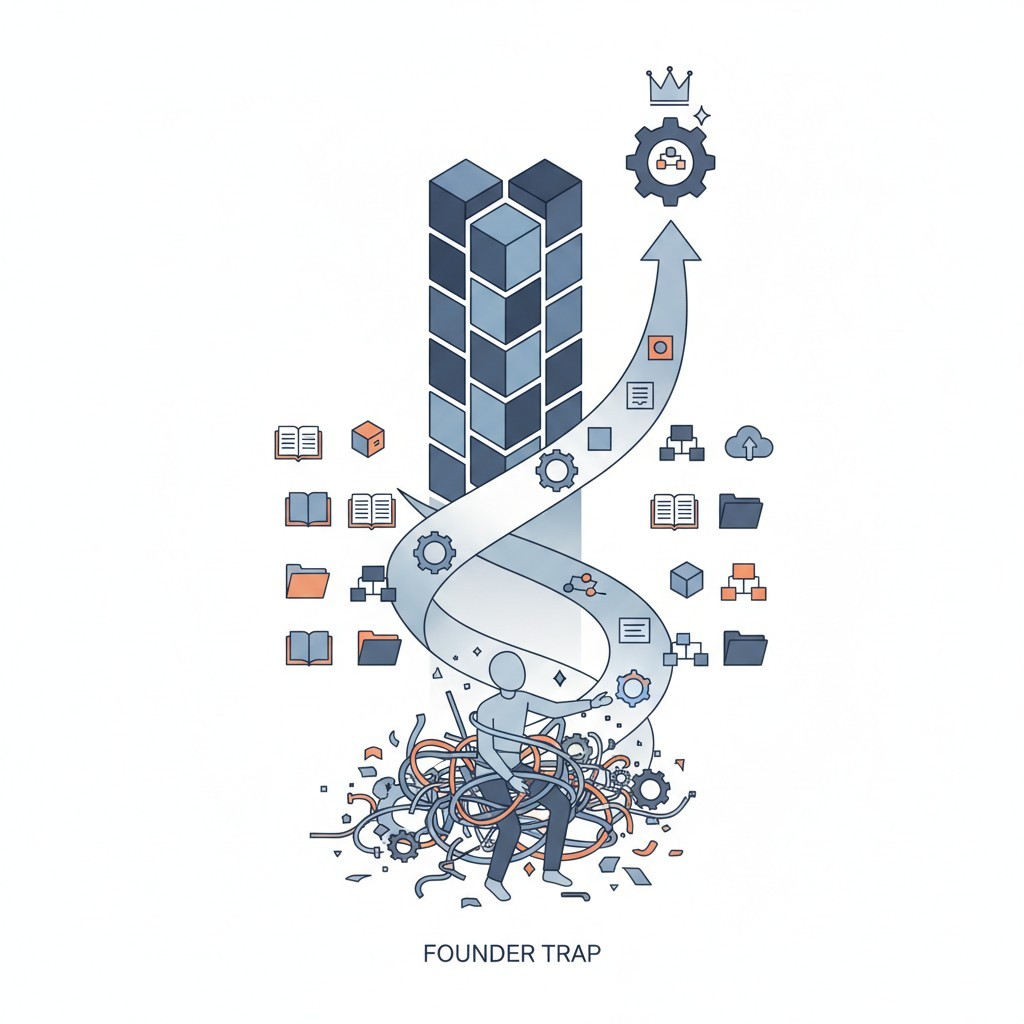
What is an SOP in Business? The Architecture to Escape the Founder Trap

I Built a 6 Million Dollar Company That Couldn't Run Without Me
How to Build a Business That Works (Hint: Systems!)

Employee Onboarding and Training: A Practical Guide for Small and Medium Businesses

How to Write Standard Operating Procedures for Manufacturing: A Field-Proven Blueprint

Essential Quality Control Practices for Operational Excellence

How Standardized Processes Drive Operational Efficiency and Growth